Table of contents
"Geotag your photos before uploading them to Google" is one of the most repeated local SEO tips in India. So, do you need to geotag images for local SEO? The evidence says it doesn't move rankings: but the photos themselves still matter a lot.
What geotagging means
Geotagging adds GPS latitude and longitude to a photo's EXIF data. Phones do it automatically when location is on; tools can add it manually.
Why it doesn't help rankings
- Google has said it doesn't use EXIF data as a ranking factor for images. (More in does EXIF data affect SEO.)
- Google Business Profile strips EXIF metadata, including GPS, from uploaded photos.
- Most website platforms and social networks re-encode images and drop metadata too.
So the GPS data you add usually never reaches the place it's supposed to influence.
What actually helps local rankings
- Relevance, distance and prominence: the three factors Google names for local results.
- A complete Business Profile: correct category, services, hours, and regular posts.
- Reviews: steady, genuine reviews and replies.
- Consistent NAP: the same name, address and phone across your site and directories.
- Location pages on your website with LocalBusiness schema.
Photo habits that do pay off
- Upload real, recent photos of the storefront, team, products and work: customers click profiles with more photos.
- Show signage clearly so people recognise you on arrival.
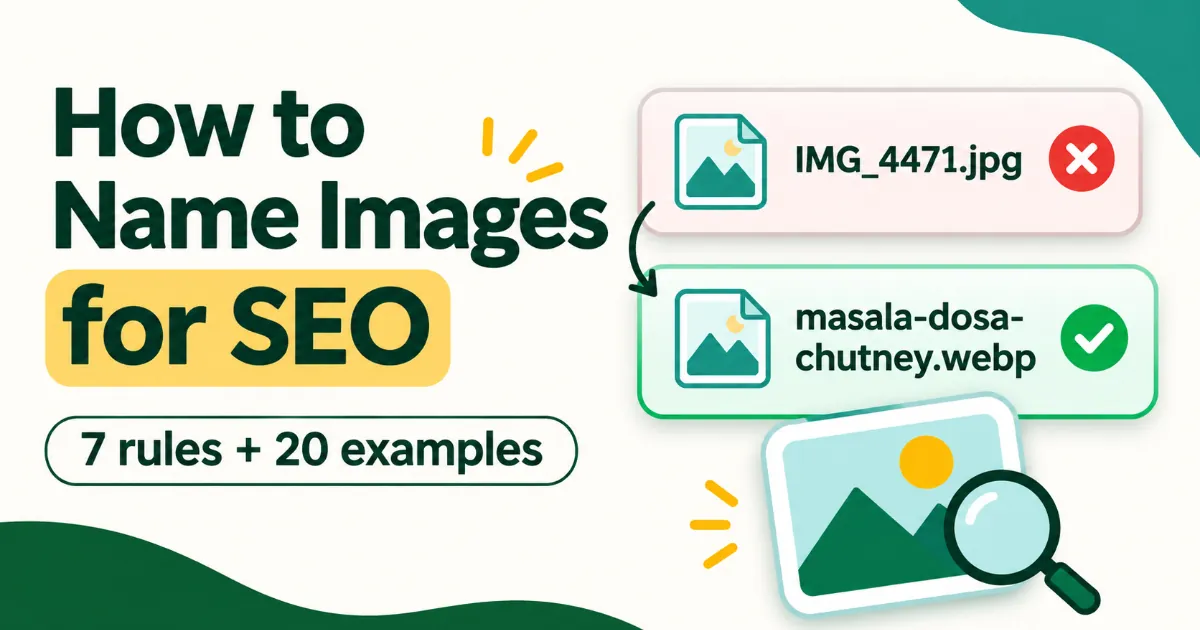
- Use descriptive filenames and alt text on your website (for example
ac-repair-technician-sector-14-sonipat.webp). - Compress images so location pages load fast on mobile.
Prepare website photos properly: Remove leaked camera/GPS data, add title, description and copyright, and export light WebP files for your location pages. Try the free tool
When GPS data is useful
Keep geotags for your own archive or project records (for example, proof of on-site work). For public uploads, removing GPS from staff or customer homes is the safer choice.
FAQs
Is geotagging harmful?
Not for rankings, but it can expose private locations. Strip GPS from photos taken at homes.
Do photo keywords in the filename help?
On your website, descriptive filenames help Google understand images. On Business Profile, filenames don't matter.
How many photos should a Business Profile have?
There's no magic number. Add genuine new photos regularly.